recomp.gg
All games
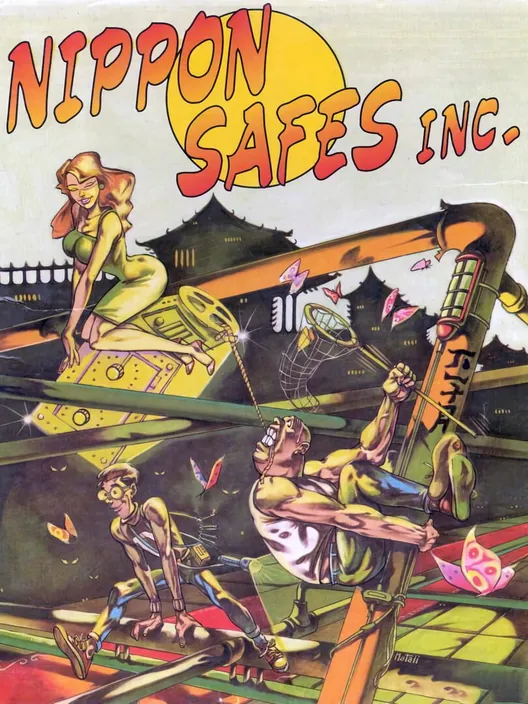
Nippon Safes Inc. cover art

ReimplementationPlays instantly

Nippon Safes Inc.

Dynabyte · 1992 · DOS · Adventure

Play

About

Dynabyte's comic-book adventure with three heroes to switch between, declared freeware by its authors in 2021, on ScummVM with the DOS version streamed by the demo.

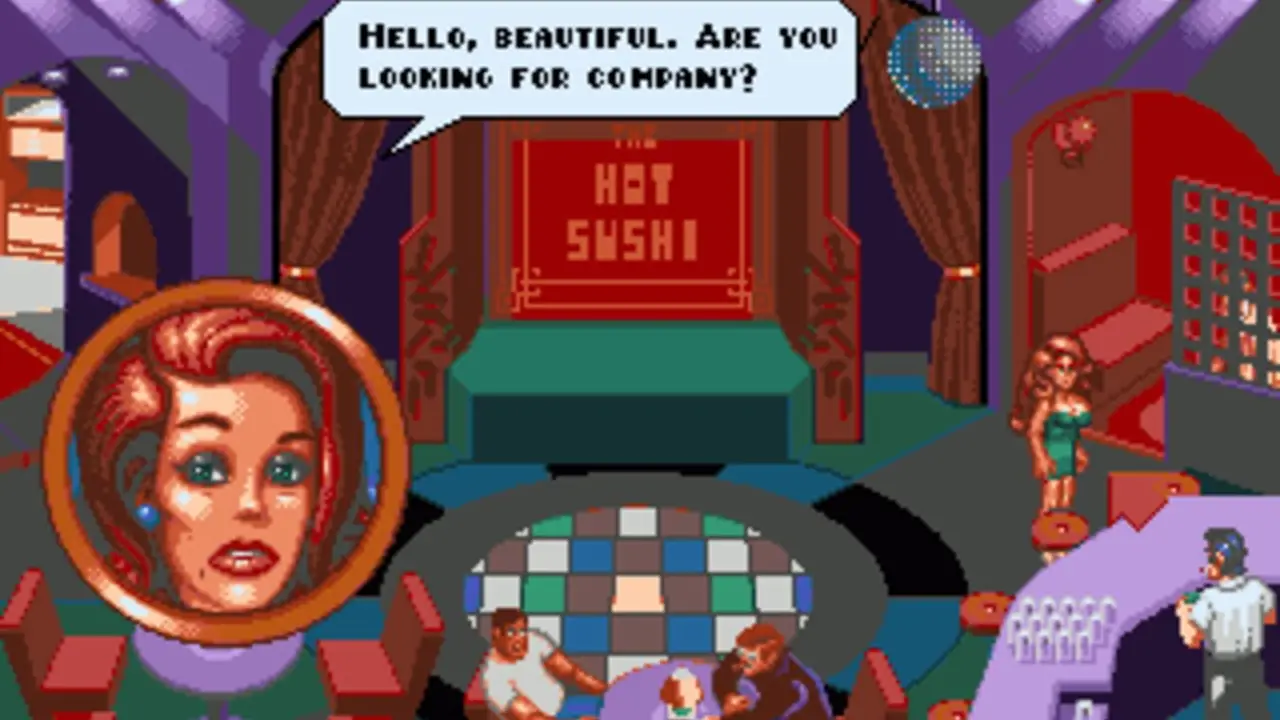
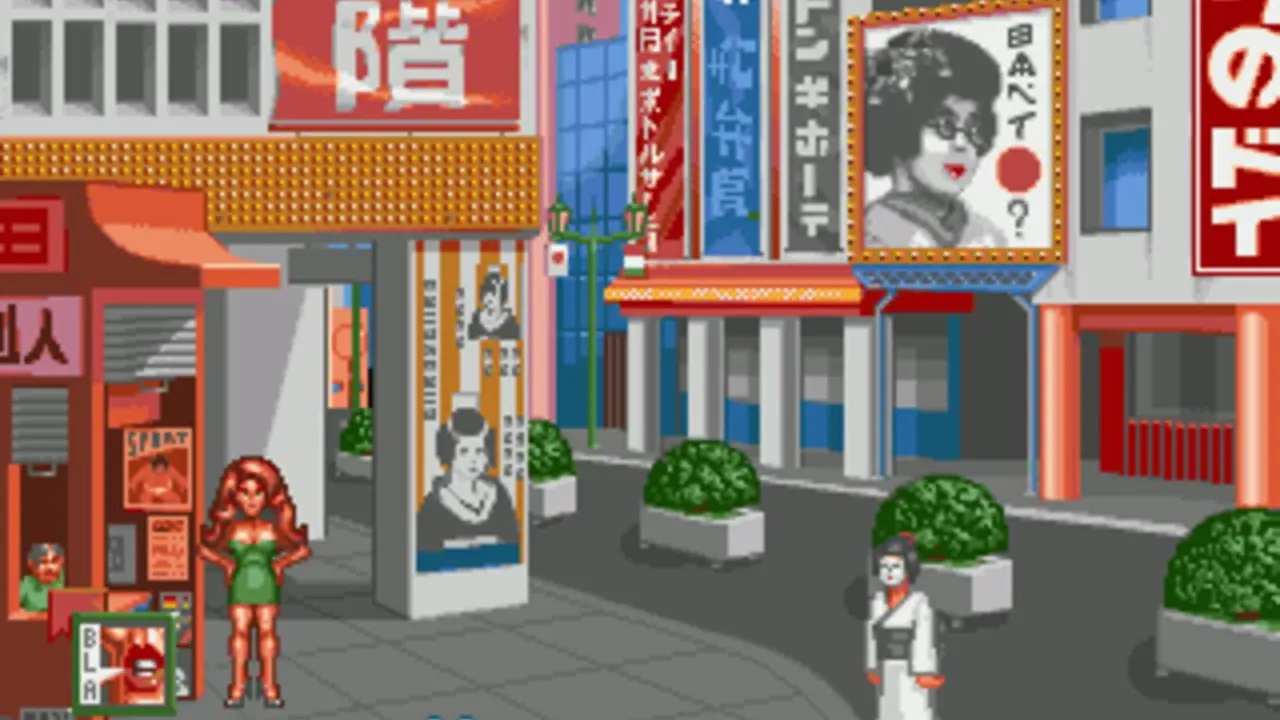
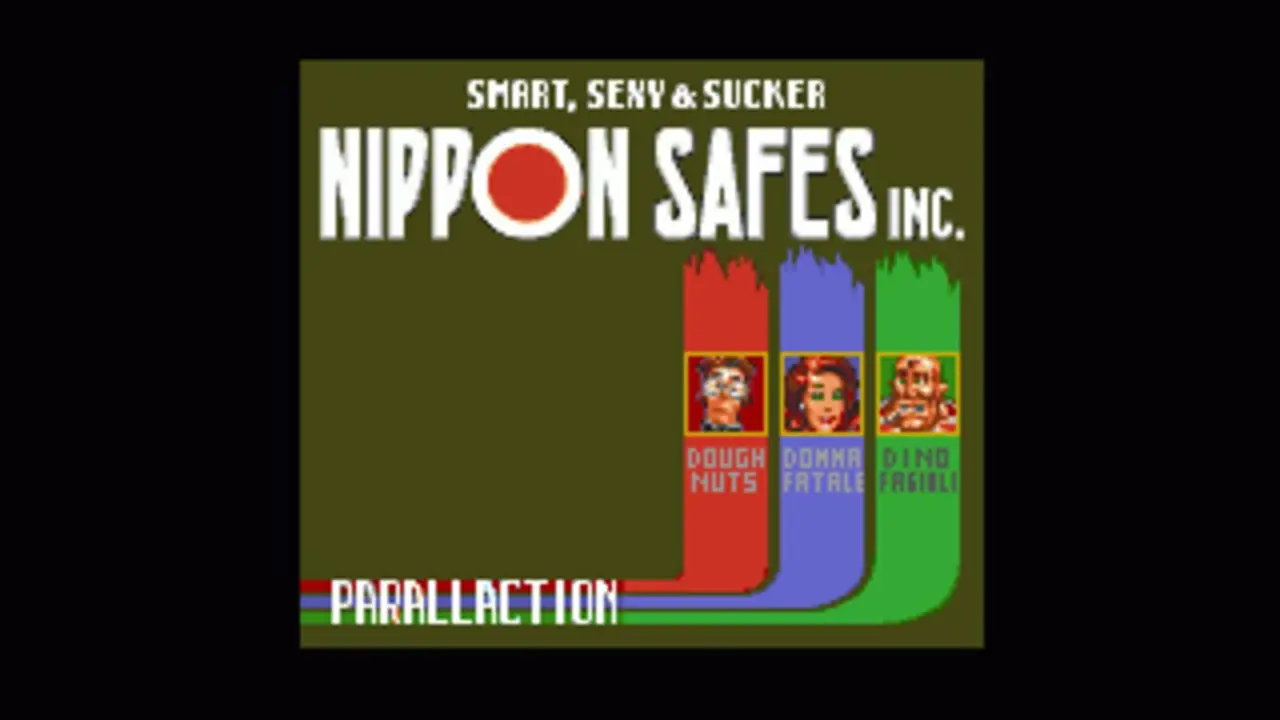
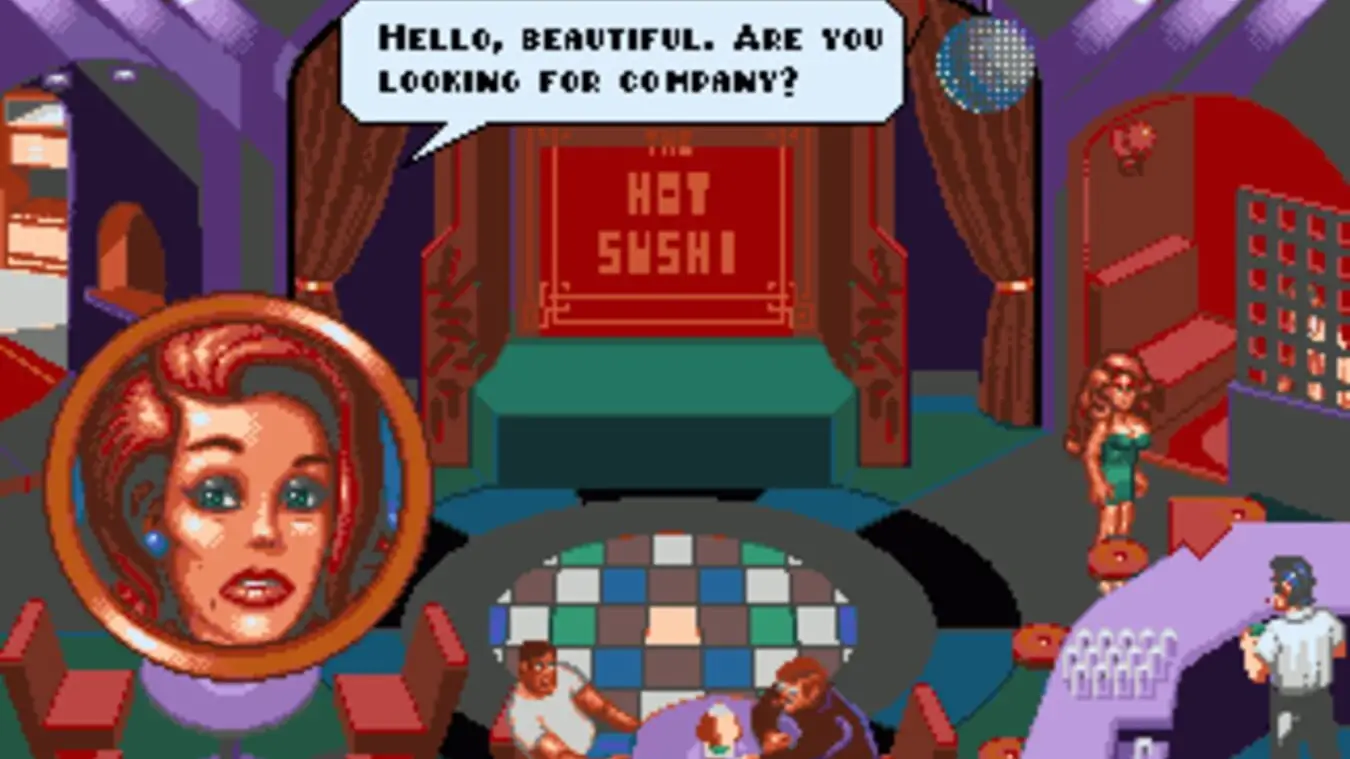
Nippon Safes, Inc. is the predecessor to Big Red Adventure, both being cartoon adventure games by Italian developer Dynabyte. As in its followup, here players take the role of three different heroes (though, opposite to Goblins series, one at time). They are Doug, the smart safe cracker; Dino, the strong, but dumb, boxer; and Donna, the sexy club dancer. The game takes place in Tokyo. While all three characters explore almost the same areas, each of the heroes has its own story to follow and puzzles to solve. You can choose which character would you like to play first, and which - lastly. When you have finished all three sub-plots, you'll get a final with all three characters acting altogether. The game features cartoonish, comics-style graphics, unique icon-based interface and non-linear plot. It is also full of Italian humor, and the game is played more like a comedy, rather then crime-based adventure.

Description from IGDB.

How it runs

Project
ScummVMReimplementation. A new engine written from scratch that runs the original game's data.License: GPL-3.0About this project
Controls
The first screen picks the language: click its dictionary. The mouse points and clicks. Ctrl+F5 opens ScummVM's menu, to save and load.
Plays with
Keyboard and mouse.
You need
Nothing to bring: the port loads everything it needs.
Original
Dynabyte, 1992, DOS

Under the hood: every project behind it, its license and code, how they connect, and who made them.

On your device

Install

A build to download from the project and run on your device.

  • ScummVM

    By scummvm2861 stars on its repository

    Releases

    Reimplementation

    Latest release v2026.4.0, Oct 11, 2026Code last updated Oct 21, 2026License: GPL-3.0

    How to play
    1. Download ScummVM from its website and install it.
    2. Make a folder for each game and copy into it the data files from your own original media.
    3. Start ScummVM, choose Add game, select that folder (not the files inside it) and press Choose.
    4. The Game Options dialog opens: the default settings are fine for now.
    5. Select the game in the list and press Start; next time, start from there.
    6. To add many games at once, click the small arrow on Add game and choose Mass Add: it searches every subfolder.
    7. Its wiki lists the supported games, and its user documentation covers the rest.

    Written by recomp.gg from its README, read Oct 12, 2026.
From SubmitGame's list, read Oct 21, 2026, with releases, stars and licenses as each project's repository gives them. recomp.gg wrote some projects' steps from their own pages, as each says; the others' are the same for every project of a kind, and its own page has the details.

  1. Article · Time Extension · Oct 12, 2026ScummVM Now Supports FTL's Legendary 1987 Adventure Dungeon Master
  2. Article · GamingOnLinux · Oct 12, 2026ScummVM 2026.4 brings nearly 200 newly supported retro games
  3. Release · Oct 11, 2026ScummVM v2026.4.0, and 9 more since Feb 26, 2023
  4. Post · Bluesky · Dec 17, 2025I Created SAGA-ResExplorer, a Windows GUI to browse, preview, extract and repack SAGA engine .RES files for ScummVM, with support for audio overrides. Shown below on the Example of "I have no mouth and I must Scream" github.com/apfelteesaft...

Screenshots

  • Nippon Safes Inc., screenshot 1 of 3
  • Nippon Safes Inc., screenshot 2 of 3
  • Nippon Safes Inc., screenshot 3 of 3

More to play