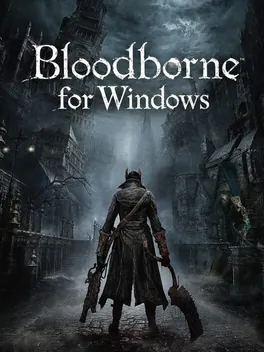
bloodborne_pc
By Supermedo4723 stars on its repository
RecompilationWindowsAI-assisted
Latest release windows-v1.9.4, Oct 21, 2026Code last updated Oct 23, 2026License: GPL-2.0A list SubmitGame reads flags it as made with an AI's help.
How to play
- It needs your own decrypted dump of Bloodborne (CUSA03173): version 1.09 for the community patches, other versions run at 30 FPS.
- It runs on 64-bit Windows 10 (1903 or later) or 11, with a Haswell or newer Intel processor or an AMD Ryzen; a processor without AVX cannot run it.
- It needs a Vulkan 1.3 graphics card with a current driver, and about 6 GB of free memory (10 GB for 1440p or 4K).
- Download the zip from its latest release, unpack it anywhere, and start Bloodborne.exe.
- On Game & effects, choose the folder of your own dump, the one with eboot.bin, then press PLAY.
- In the game, Insert (or L3+R3 on a controller) opens the settings menu.
Written by recomp.gg from its README, read Oct 12, 2026.